General Information
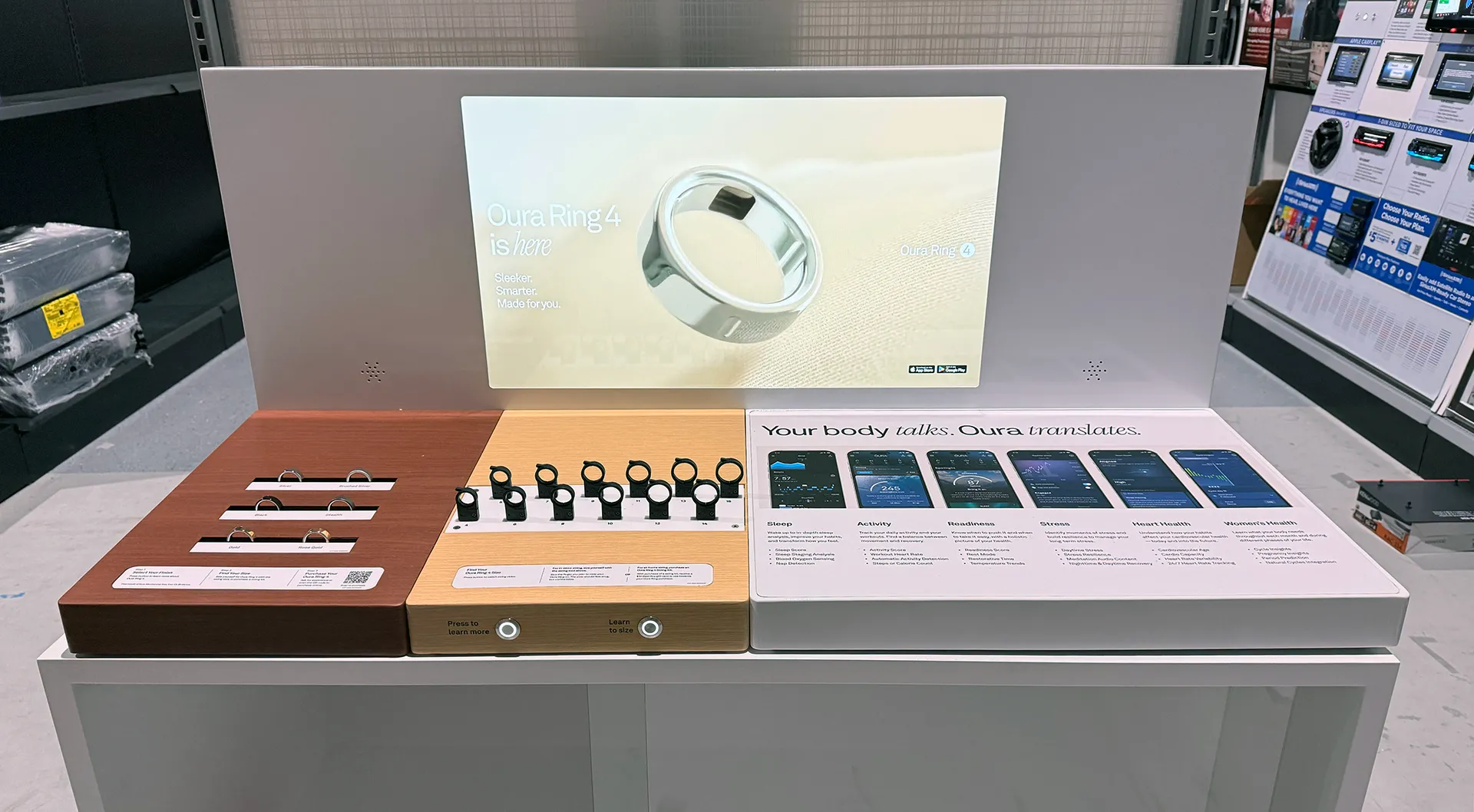
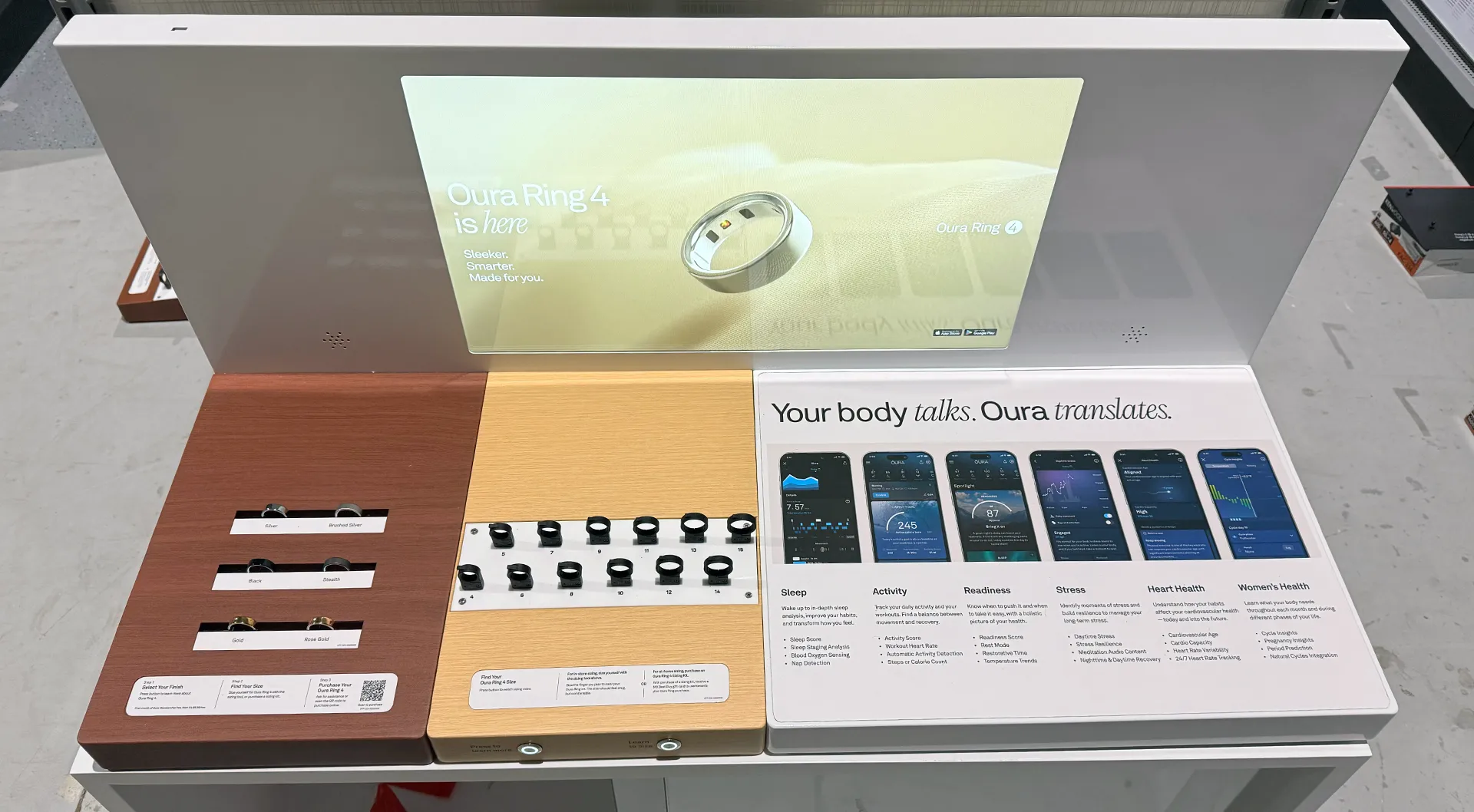
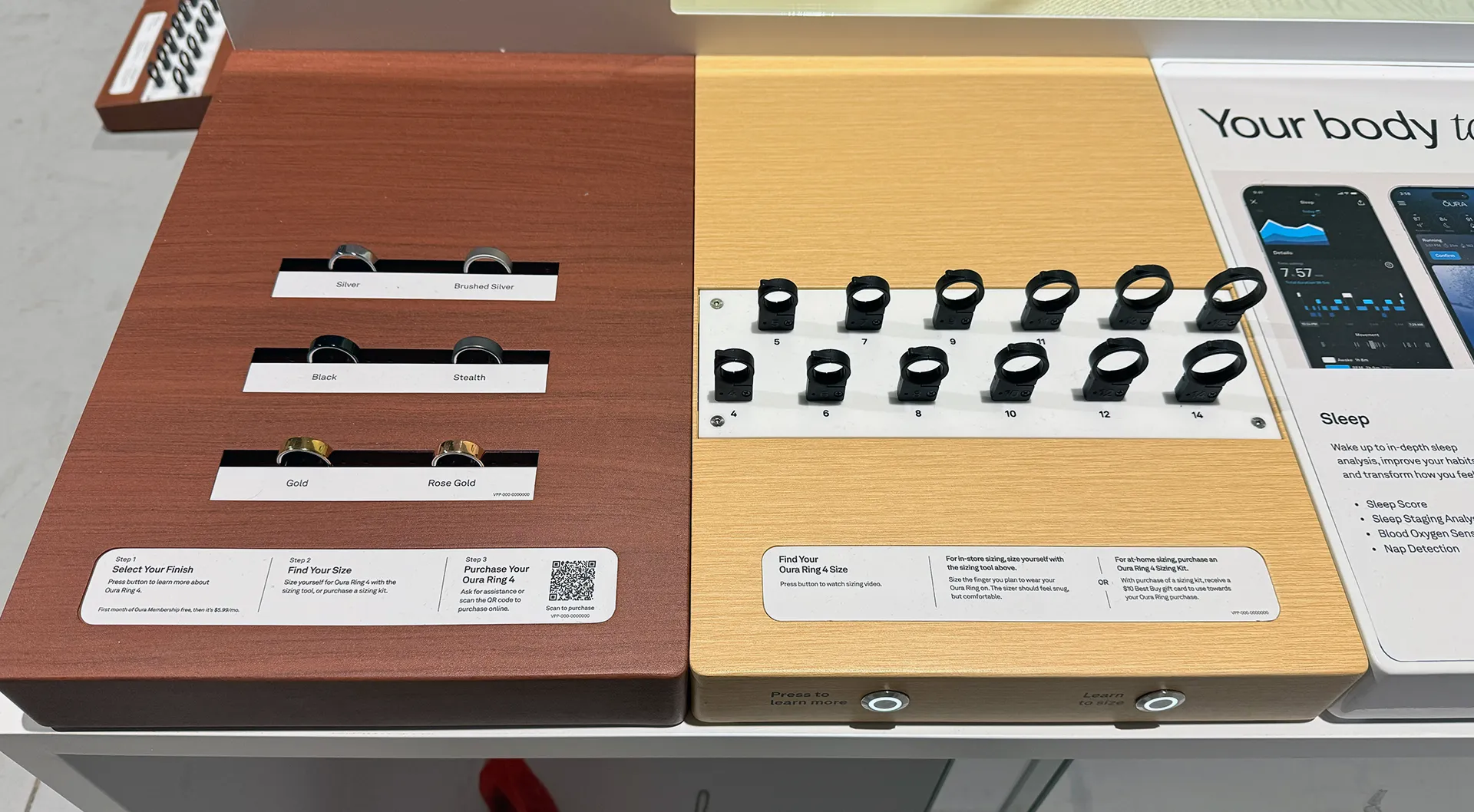
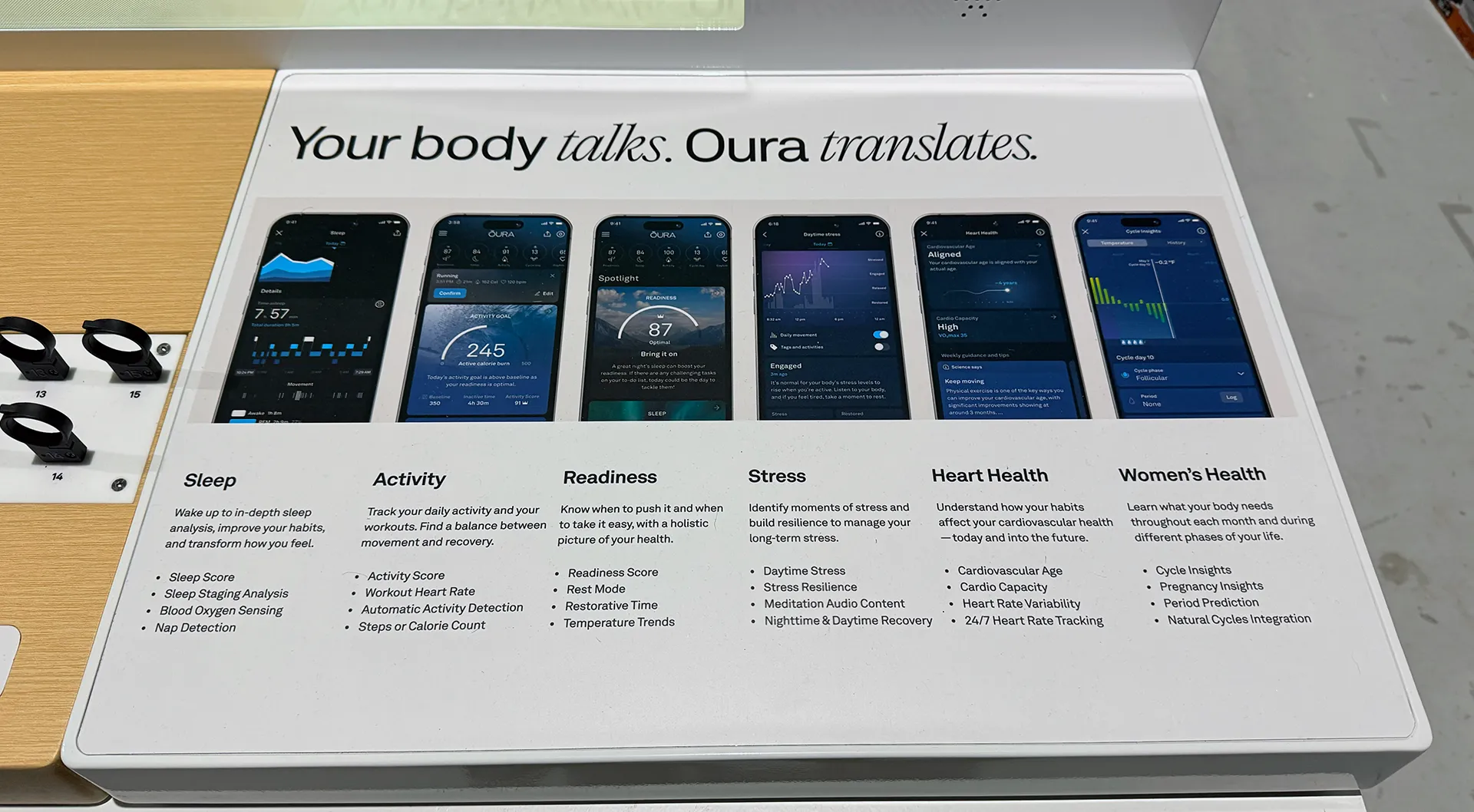
Endcap display with 24″ video player. Video player has a silent loop, product video, and a sizing video that customers can watch after pressing physical buttons on the display.
Specifications
| Material | Steel |
| Height | 30″ |
| Width | 48″ |
| Depth | 32″ |
| Video Montior | 24″ M24108024P |
Video Monitor Update Process
MOCO Video Player Model: M24108024P, Firmware: 24100180E
Current Video Files: file://10.10.0.35/Steve Jobs/_Video Monitor Files/719 Oura/2024 Fall Content Refresh/_USB/A
This display is equipped with an USB port that is accessible via the top of the display that allows for easy updating.
- Turn off the display by accessing the power switch located behind the display in the upper left hand corner
- Find the USB port on top of the display and insert the USB stick with the contents listed above
- Turn on the display, which will trigger the update process.
- Once the update process is complete follow the onscreen instructions; Remove the USB stick and power cycle the display
Note: This update process takes about 5 minutes to complete due to the file size of the silent loop.